
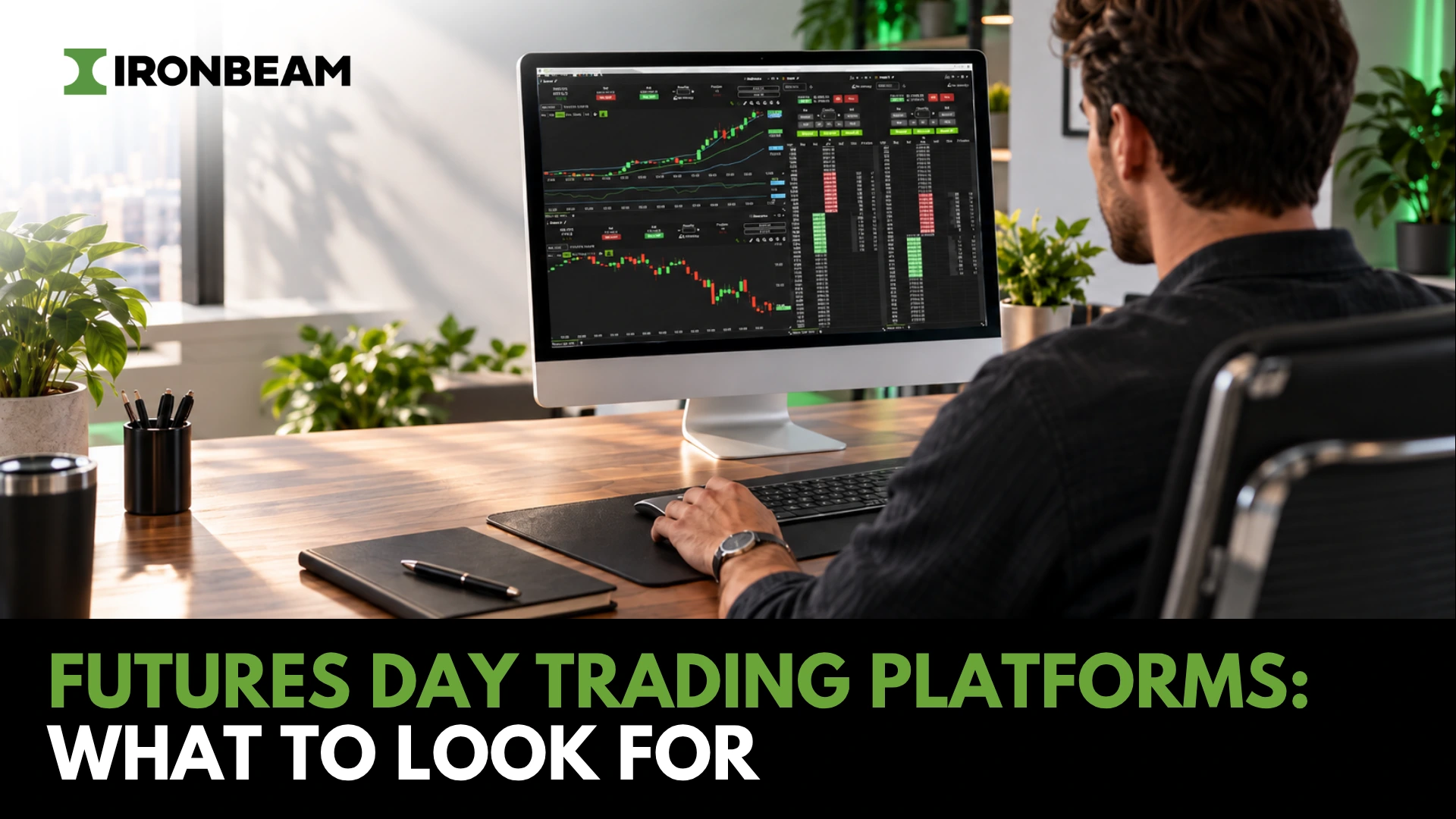
Day Trading Platforms: What to Look For
The best futures day trading platform fits the way you trade. Look for efficient order entry, bracket and OCO controls, stable charting, clear margin visibility, and market-depth tools that support your process. The right futures broker should also give you a cost-effective starting point and flexibility to use specialized platforms as your needs change.
A platform can look impressive in a demo and still become frustrating once you are trading actively. The practical test is simple: can you enter, manage, and exit trades without fighting the software?
Your platform is where you place orders, monitor risk, track positions, and respond when the market moves. The goal is not to find the longest feature list. It is to build a workspace you can use consistently.
What matters in a day trading platform?
A good day trading platform helps you execute a defined process. It should make order entry, trade management, and position monitoring clear enough that you can act without unnecessary clicks or confusion.
Start with order management. Market, limit, stop-market, and stop-limit orders are basic requirements. For active futures traders, bracket orders and OCO functionality are just as important.
A bracket order lets you attach a protective stop and profit target when you enter a position. With OCO, or one-cancels-other, logic, the remaining exit order cancels when the other one fills. That structure helps you define risk before the trade is live instead of improvising after price moves.
Your platform should also make key account information easy to find. You should be able to see position size, average entry price, working orders, open profit and loss, margin use, and available buying power without moving through several windows. If those details are difficult to access, the platform is adding risk rather than helping you manage it.
Charting, workspace, and risk visibility
Your charts should support your decisions without creating noise. A useful platform lets you organize the timeframes, studies, alerts, and order-entry tools you use every day, then keeps that workspace stable when markets become active.
Some traders work from a clean chart with VWAP, key levels, and a few timeframes. Others rely on tick charts, volume profiles, footprint tools, or a depth or market (DOM) beside multiple
charts. Neither setup is automatically better. The right one is the setup you understand and can repeat.
Stability matters as much as charting. Before trading live, test how easily you can place, modify, cancel, and flatten orders. You should also know your backup plan if your computer or internet connection fails.
Futures margin allows you to control meaningful notional value with relatively little capital, which is why margin and buying-power visibility matter. Your platform should make it clear how much exposure you have before you add to a position. Review the specifications of every contract you trade through the relevant exchange, including CME Group. For a broader framework on broker selection, read our guide on how to compare futures brokers for day trading. It covers intraday margins, total trading costs, platform options, risk policies, and support considerations.
When Level II and MBO matter
Level II and market-by-order data are most valuable when you trade from a DOM, actively work limit orders, scalp, or use order flow as part of your process. They show more detail about displayed liquidity than a top-of-book quote, but they do not predict market direction or guarantee a fill.
Level II, also called market depth, shows multiple levels of resting bids and offers beyond the inside market. It can help you assess where displayed liquidity is building or pulling around prices relevant to your setup.
MBO, or market-by-order data, provides a more granular view of the book. Rather than displaying only aggregated contract size at a price level, it shows individual orders and their size. In the Ironbeam platform’s Depth widget, you can switch between standard Level II depth and MBO data, place orders, and view submitted orders within the MBO display. Learn more in our Market-By-Order data platform update.
Use market depth as context, not a standalone signal. Liquidity can appear or disappear quickly, and visible size does not necessarily reflect the market’s next move. If your decisions come primarily from charts and you rarely use a DOM, advanced depth may not be worth prioritizing. If you scalp or trade order flow, it can be a central part of your workspace. For a fuller explanation of market depth and its practical uses, read why Ironbeam offers free Level 2 market data and how to use it.
Why trade futures with Ironbeam?
At Ironbeam, we provide a free cloud-based futures trading platform with Level II and MBO data included at no cost for eligible non-professional traders. We also support TradingView, CQG, Rithmic, and Sierra Chart, so you can choose a straightforward all-in-one setup or use the specialized technology your workflow requires.
For active traders, platform access and market-depth subscriptions can become meaningful recurring costs. Our cloud-based platform has no platform fee, and eligible non-professional traders receive CME Group Level I and Level II data at no additional cost.
We also include MBO data in the platform’s Depth widget. This gives you the choice to view traditional aggregated market depth or a more granular order-by-order display, depending on how you analyze and trade the order book.
That makes our platform a practical starting point for traders who want charting, DOM order entry, risk tools, account visibility, and market depth without separate platform and Level II data fees. If you later need more specialized charting, API access, automation, or an established third-party workflow, you can stay with Ironbeam and select the technology that fits your process.
TradingView
TradingView is well suited to traders who want polished, browser-based charting, customizable indicators, alerts, and the ability to analyze and trade from the same workspace. As an official TradingView broker partner, we let you connect your Ironbeam account directly to TradingView for futures order routing. See our TradingView integration page for current account connection, market-data, and order-routing details.
CQG
CQG offers a broad futures technology ecosystem with market data, order routing, professional platform tools, and APIs. Through Ironbeam, you can access CQG offerings including QTrader, Integrated Client, market data, order routing, and trading APIs. Read our overview of CQG futures trading platforms, data, and APIs at Ironbeam.
Rithmic
Rithmic is a strong option for active traders who need compatible third-party tools, granular data, or API-based workflows. We offer R|Trader, R|Trader Pro, market data, order routing, and APIs. Because Rithmic connectivity and market data carry separate fees, it is best suited to traders whose setup specifically requires the Rithmic ecosystem. Learn more about Rithmic futures trading at Ironbeam.
Sierra Chart
Sierra Chart is well suited to traders who want extensive chart customization, advanced studies, order-flow tools, and a highly configurable desktop workspace. We connect Sierra Chart users through Teton Order Routing. Sierra Chart market data is provided through the Denali Exchange Data Feed and subscribed to separately through Sierra Chart. See Sierra Chart at Ironbeam: platform, market data, and order routing for current setup details. Traders focused on fast, short-term execution can also read our guide to the top futures platforms for scalping, which compares order controls, market depth, MBO, routing, and total platform costs.
How to choose the right setup
Choose a platform based on how you trade, not on its marketing checklist. Your order-entry workflow, charting needs, use of market depth, and preference for third-party tools should determine the technology you choose.
If you are newer to futures day trading, start with a clean setup that lets you manage orders, see positions, and understand your margin exposure. You do not need a complicated technology stack before you know which tools you will actually use.
If you are already using specific charting, order-flow, automation, or API tools, choose the platform connection that supports that workflow.
Before opening an account, review current platform fees, market-data fees, exchange classifications, margin requirements, and risk policies. Non-professional status and exchange data eligibility can affect what is available and what it costs. If you are building your first intraday futures routine, our day trading futures for beginners guide covers contract selection, trading tools, common strategies, and risk management basics.
The bottom line
The best day trading platform makes you more organized, not more distracted. It should make order management clear, keep risk visible, and give you the tools that fit your method without forcing you to pay for features you do not need.
At Ironbeam, eligible non-professional traders can use our free cloud-based futures trading platform with included Level II and MBO data. When you need a more specialized workflow, you can also connect through TradingView, CQG, Rithmic, or Sierra Chart.
Frequently Asked Questions
What should I look for in a day trading platform?
Look for efficient order entry, clear position and risk visibility, bracket-order and OCO support, a stable workspace, charting that fits your strategy, and transparent platform and market-data costs. For futures trading, you should also understand margin requirements, broker risk policies, and the available third-party platform options.
Do I need Level II or MBO data for futures day trading?
Not every futures day trader needs Level II or MBO data. It is most useful if you trade from a DOM, use limit orders actively, scalp, or incorporate order flow into your decisions. Level II displays multiple levels of bids and offers, while MBO provides more granular detail about individual orders at each price level.
Is the Ironbeam trading platform free?
Yes. Our cloud-based futures trading platform has no platform fee. Eligible non-professional traders receive CME Group Level I and Level II market data at no cost through the Ironbeam platform. Review our current Ironbeam platform market data fees and confirm your account classification and eligibility before trading.
Does Ironbeam support TradingView, CQG, Rithmic, and Sierra Chart?
Yes. We support TradingView, CQG, Rithmic, and Sierra Chart. Each serves a different trading workflow, from browser-based charting to advanced chart customization, API-based tools, and specialized order-flow analysis. Associated fees and market-data requirements vary by platform.
About the Author
Brent Murphy is a Series 3-licensed broker and Business Development Specialist at Ironbeam. For the past six years, he has partnered with traders, introducing brokers, funds, CPOs, and CTAs, delivering technology, trading, and clearing solutions to help clients succeed in the futures markets.
Disclaimer: There is a substantial risk of loss in trading commodity futures and options products. Losses in excess of your initial investment may occur. Past performance is not necessarily indicative of future results. Please contact your account representative with concerns or questions. The information contained here is accurate to the best of our knowledge at the time of this writing. However, various circumstances may change over time which could affect the accuracy of the information presented. Ironbeam Inc makes no guarantees and recommends verifying details before making any decisions based on this content.